Computational design · Cloud tools · Integrations
Tools that talk to each other.
I build cloud apps for design teams and the plugins that connect them: Revit, Rhino, Speckle and the browser, all working on one model.Cloud apps for design teams, and the plugins that connect them to Revit and Rhino.
Gensler · Latin America & Caribbean Independent practice
for AEC teams Rhino · Grasshopper · Revit
Speckle · APIs · Web EN / ES
Remote, worldwide
Cloud apps that read your models.
Space analytics on every floor: one click exports the Revit model, and the browser computes circulation, visibility, daylight and comfort, level by level. Move over any floor.
Façades priced panel by panel.
Floors, twist and bulge shape the tower; every panel is checked for warp, opened or pushed out, and priced as you move. Open the drawings for the assembly and the parts list, then send it to Revit.
Buildings that design themselves.
A wave-function-collapse solver stacks rooms under simple rules (one core, corridors, a door for every room, terraces with sky above) and scores every iteration, so you compare options, not drawings.
None of these live alone.
The three tools above are not isolated apps in the cloud. Each one talks to Rhino, Revit, Speckle and your team's spreadsheets, and to the others, so a change in one place shows up everywhere.
- 01Design where you already workRhino and Grasshopper push geometry and parameters with one click.
- 02The tools share one modelSpace analytics, the panelizer and the solver read and write the same versioned data, with Speckle as the backbone.
- 03Revit builds itFamilies, sheets and schedules placed by a plugin, not by hand.
- 04Everyone sees the same numbersSheets, BI dashboards and a link for the whole team.
Selected work
How we work
We map your workflow and find the step that costs the most hours.
A working tool on your real data. You test it, we adjust.
Plugins, APIs and access for the whole team.
Docs, training and support, so the tool stays alive.
About
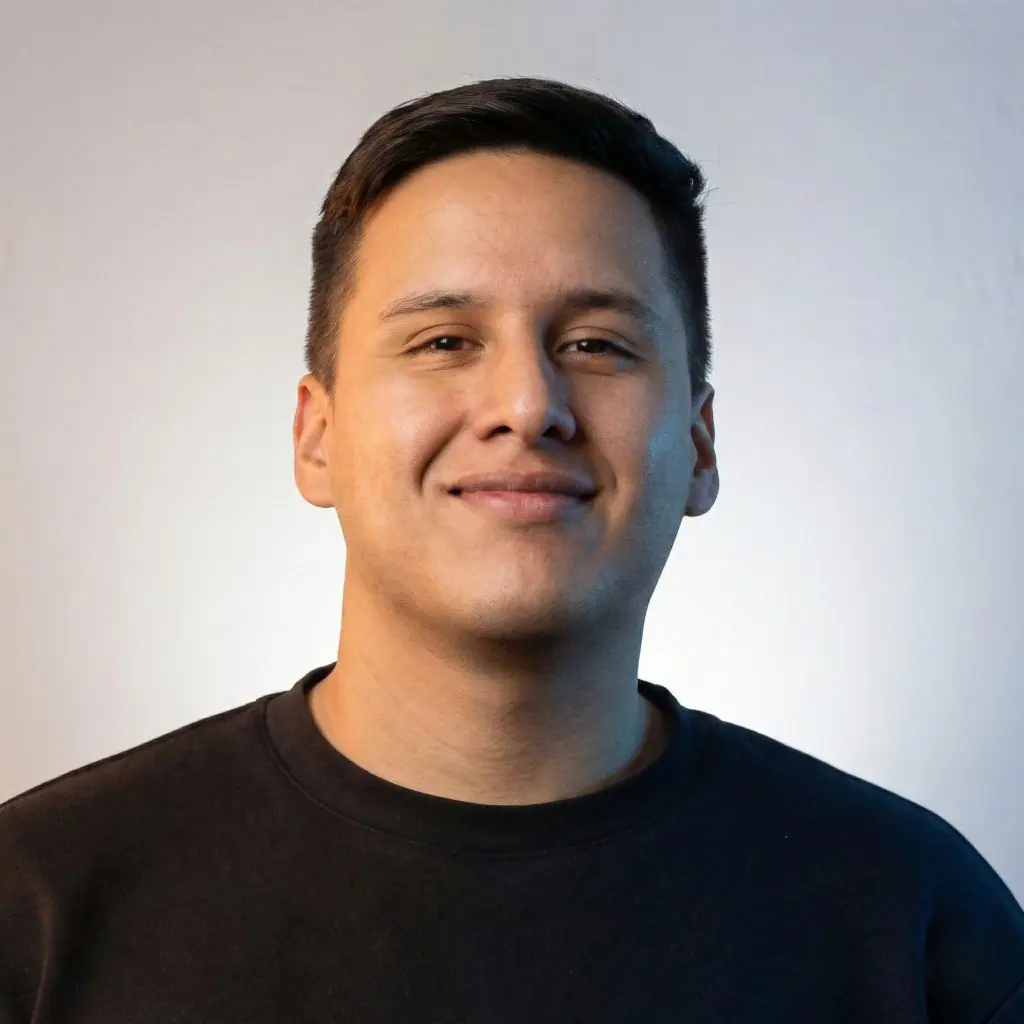
Architect and computational designer. I co-lead Computational Design for Gensler in Latin America & the Caribbean, and I run an independent practice building tools for AEC teams.
MaCAD at IAAC Barcelona. Work shown at the Venice Biennale and Mextrópoli, with MIT Senseable City Lab among collaborators.